With the latest release of Keyman for Android (version 1.2), we've added a highly requested feature — the ability to download custom keyboards to your Android device.
Whilst Keyman for Android already supports 600 + languages, many of our customers coming from Keyman Desktop are using custom built keyboards that aren't currently available in the app.
Installing a custom keyboard
To install a custom keyboard, you will first need a link to the keyboard definition on a website or in your email.
If you want to build and deploy your own keyboard, you will need some technical skills for this, and can read our full step-by-step instructional on how to do this here.
Once you have a website or email with a link to the keyboard definition, follow these steps on your Android device to download the keyboard into the Keyman for Android application:
1. Click the link to your custom keyboard definition file. The link I am using is for a Tamil99 keyboard. (Note: typing the link into your browser URL bar won't work; you will need to include the link in a web page or email)
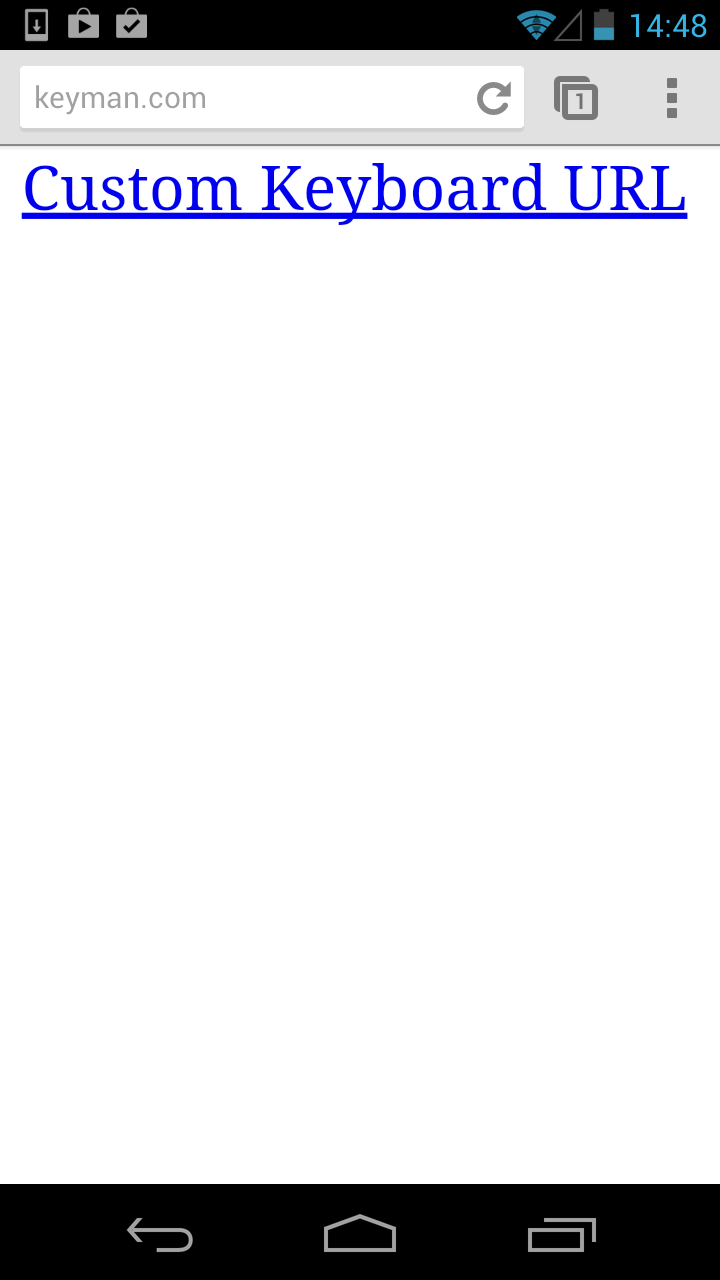
2. Click 'Download'. This will fetch the keyboard and font specified from the json file:

3. The keyboard is installing…
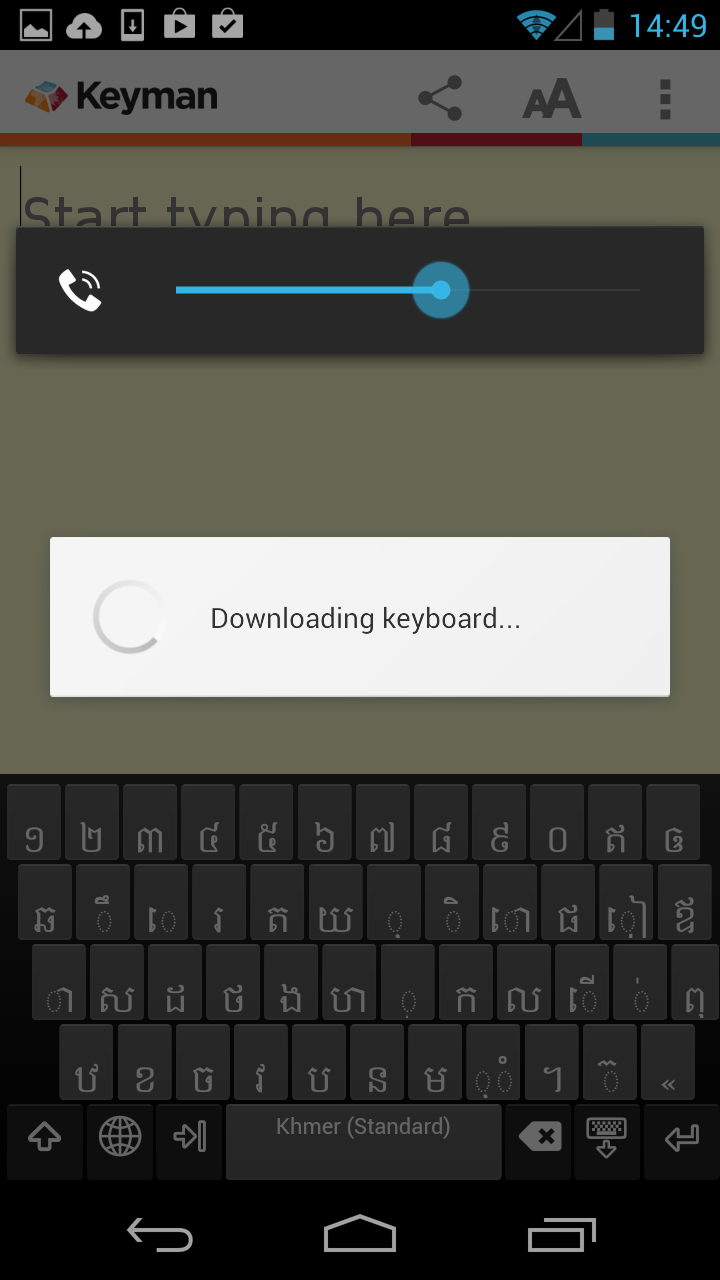
4. The keyboard is successfully installed!
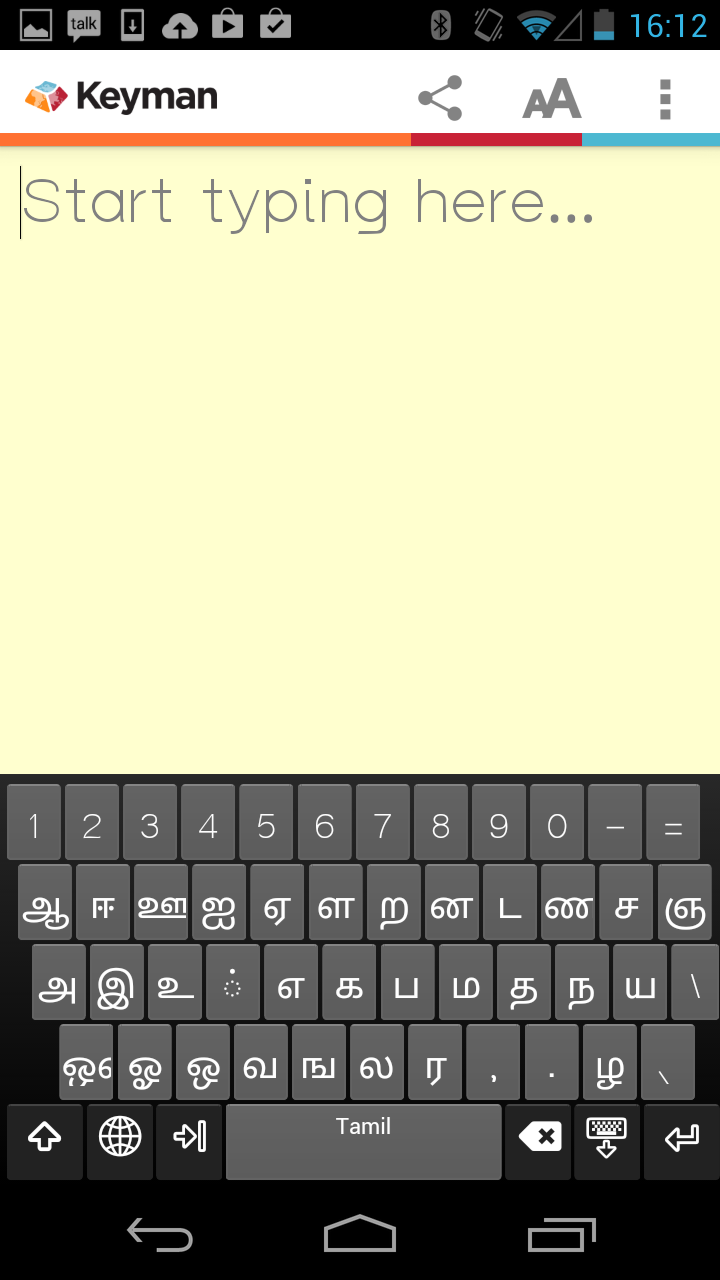
Once the keyboard is installed, it will also be available for use throughout your device as a system keyboard. To learn how to enable this feature on your phone, read our previous blog article.