Yesterday we released Keyman 7! The excitement may have been somewhat overshadowed by a rather larger product release on the same day in the US, and ironically, an update to MSKLC was released on the same day.
I’m not writing about the new features etc etc – if you want to read about those, visit our website.
I’m writing about the bugs. Perhaps this is airing the dirty laundry but here goes anyway.
The day before release, our testers identified a couple of issues.
The first of these was purely cosmetic. If a user had too many languages installed, the languages tab would not fill the available space but would leave about 100 pixels of whitespace at the bottom – see image. This space was there because the User Interface Language button was moved from there to the Options page.

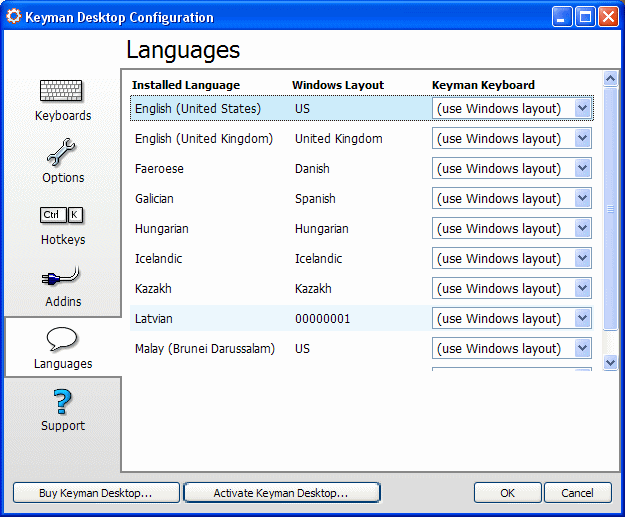
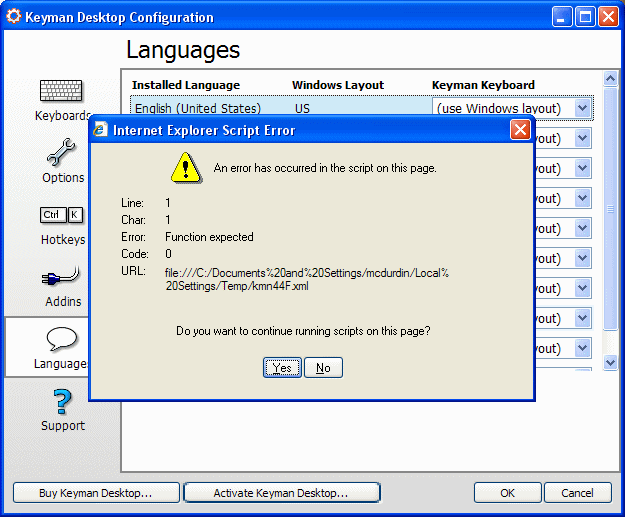
But for some silly reason, we decided to put in a fix. So we put in a fix, tested it (well, obviously we didn’t… wait and see) and put the release online with only one minor issue – the Configuration dialog now did not work at *all*:
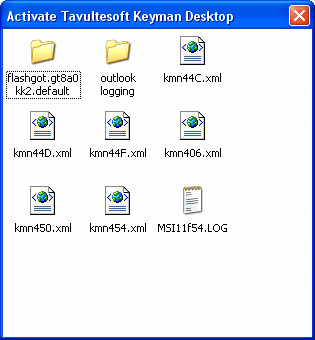
Fortunately, that was only online for a couple of minutes before we took it down – and rolled the changes back. The second issue was more significant. Pressing ENTER in the Activation dialog (as opposed to clicking the Activate button with the mouse) would open a Windows Explorer window instead of processing the activation:
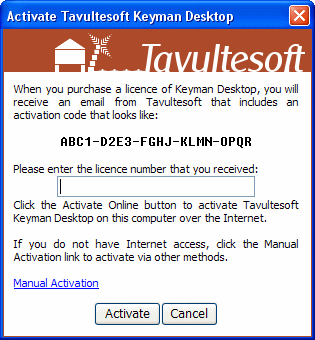
We quickly put in a fix for this – and broke the Activate button.
Last minute fixes:
- Are done in a reckless state of mind brought on by the euphoria of impending release
- Never get tested properly
- Do not get proper attention to design and potential side-effects
The moral of the story is: NEVER, EVER do a last minute fix. If a fix is important enough to do at the last minute, it is important enough to delay the release by a full test cycle…