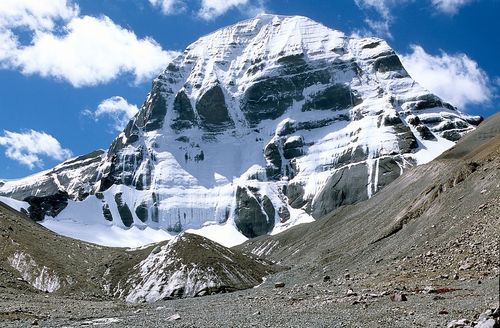
 Mount Kailash image courtesy of Reurinkjan, under Create Commons Attribution 2.0 Generic licence.
Today we have two bits of Tibetan good news:
- We're rolling out a dedicated Tibetan minisite, so that you can find our best Tibetan keyboards in one place.
- We've updated the Tibetan Unicode Direct Input and Tibetan Unicode EWTS keyboard packages, including brand new comprehensive help guides.
About the Script + Speech
For a bit of background, the Tibetan script was developed in the 7th century as a means of bringing Buddhist texts to Tibet from India. It is most closely related to the Indian Brahmic scripts. Although the script is most often associated with the language Tibetan, today it used to write many other languages as well, including Dzongkha, Sanskrit, Ladakhi, and Sikkimese.
About the Keyboards
The popular Tibetan Unicode EWTS keyboard by Linguasoft is based on the Extended Wylie Transliteration Scheme (EWTS). The keyboard makes typing Tibetan easier by avoiding Shift, Alt, and Alt+Shift combinations. The newly revised version of the keyboard includes a complete help guide to assist you in using all of its many features.
Also by Linguasoft, Tibetan Unicode Direct Input is an especially simple phonetic-style Tibetan keyboard. You get a Tibetan character directly, every time you press a key, so there is no need to remember complex keystroke or transliteration combinations. If you do not already know EWTS, and maybe even if you do, you'll really enjoy this keyboard. Again, the new version includes a guide to help you find and use every feature of the keyboard.
The Dzongkha keyboard is designed specifically for the Dzongkha language, which has a different frequency of letters than Tibetan. It follows the official layout approved by the Bhutanese government.
Now it's your turn to test out all three keyboards from our new Tibetan minisite.